Works better in the app
2 free renders of your own car — full quality, no corner mark.
Car Paint Simulator — Try Colors Before the Respray
A respray is thousands of dollars and permanent. Simulate the color on a photo of your car first — real panels, real light, not a generic 3D model.
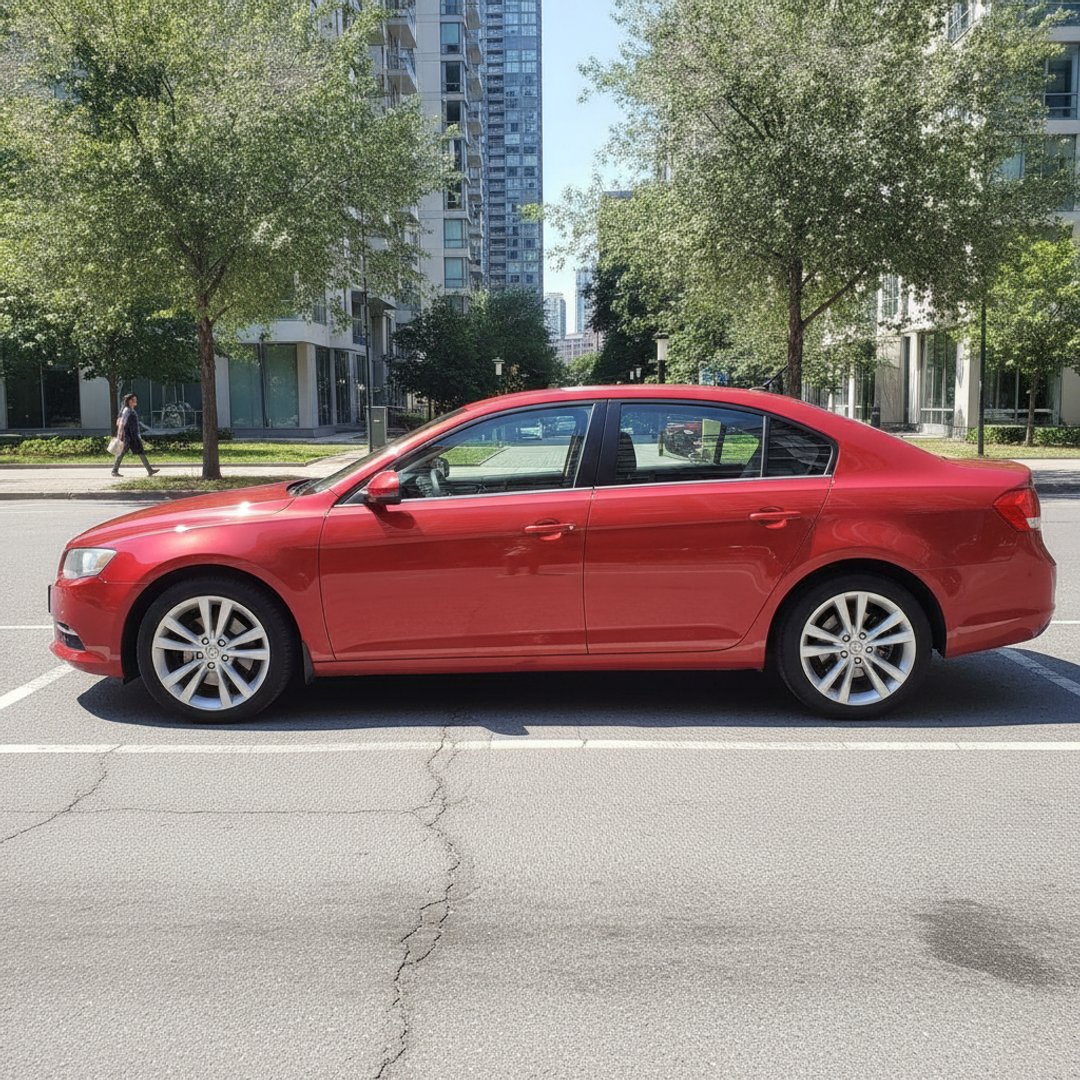
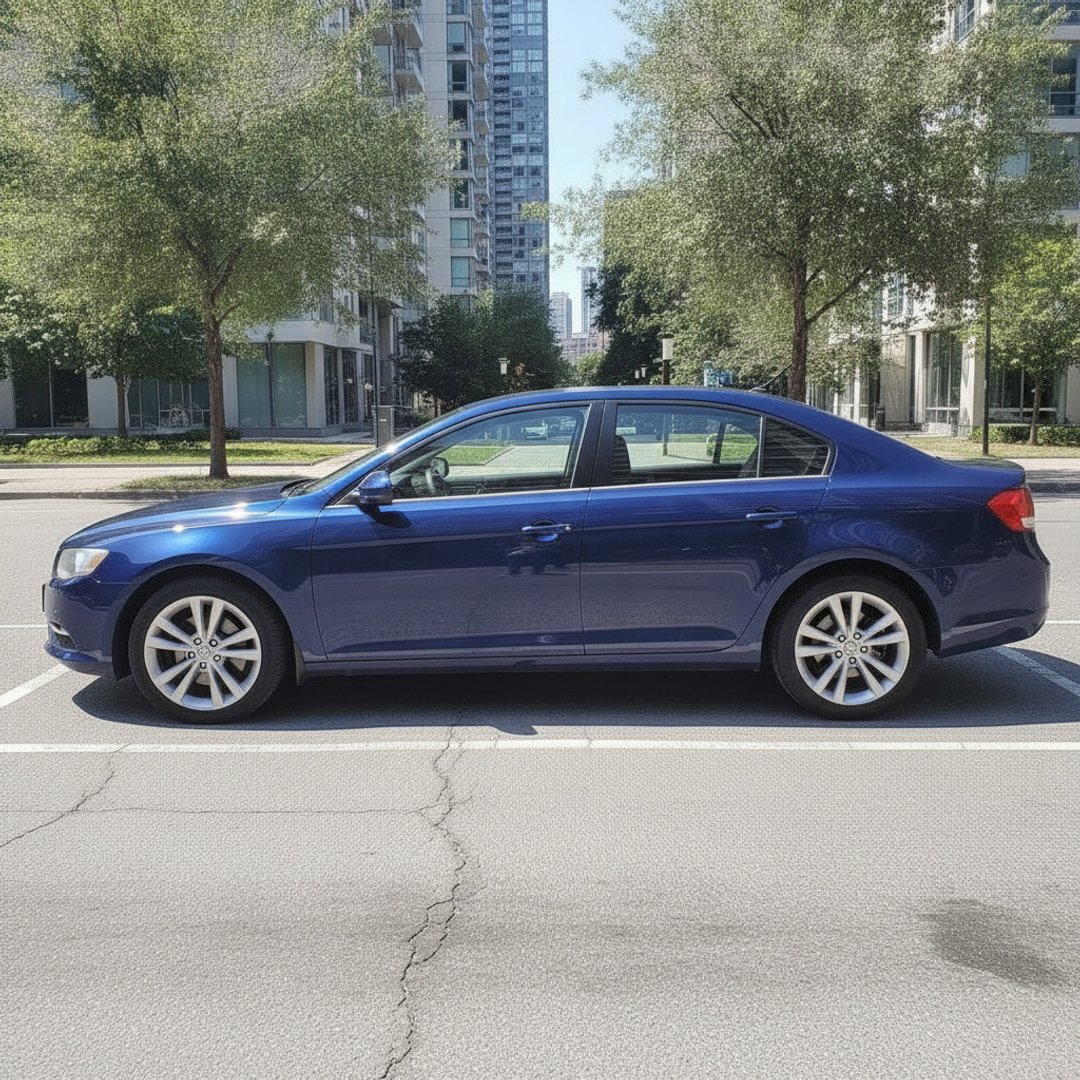
Drag the handle — a real render from this tool. New paint on the bodywork; wheels, glass and background untouched.
- 100% free
- No signup
- Your car, not a 3D model
- Files never stored
Did this tool work well? Rate it:
Thanks for your feedback!
Why simulate on your photo instead of a 3D configurator
Most "car paint simulators" are 3D configurators: pick a body style vaguely like yours, spin the model, apply the color. Useful for daydreaming — useless for the actual decision, because color lives on your car's specific panels, in your climate's light, next to your trim and your wheels. A ten-year-old wagon in overcast Finland wears midnight blue completely differently than the showroom render suggests. Simulating on your own photo answers the question the configurator can't: my car, this color — yes or no?
Before you book the respray
- Shortlist with the simulator, decide with a sprayed card. Screens vary; ask your shop for a sprayed sample of the exact code before committing.
- Budget honestly. A color-change respray done right includes door jambs, engine bay edges and blending — that's why quality quotes start around $3,000 and climb. If a quote seems too good, ask what's excluded.
- Consider a wrap for bold colors. If the color you love is loud and resale matters, film gives you the color without the permanence — compare on our wrap visualizer.
- Insurance and registration: in many countries a color change must be reported — a two-minute call that saves claim headaches later.
Prefer your phone? Get the free app
Car Mods AI runs this same engine on iPhone and Android — paint colors, wheel swaps, window tint and rim recoloring straight from your camera roll. Free to install, with free renders to start.
More free car tools
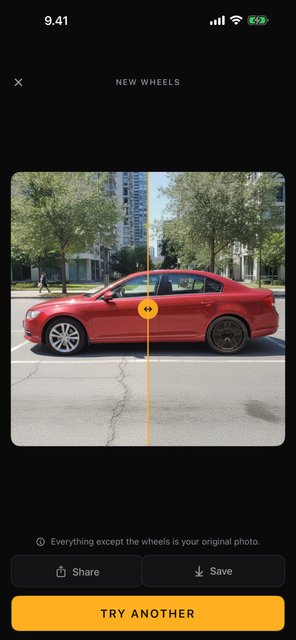
Free app · Android & iPhone
Car Mods AI: Wheels & Wraps
Wheels, wraps, tint and rim colors on your own car photo — your car stays exactly your car. Camera-to-render in seconds, and you start with 2 free renders, full quality, no corner mark.
| In the app | Android | iPhone |
|---|---|---|
| Wheel swap — any design | Yes | Yes |
| Wrap & paint colour | Yes | Yes |
| Background scenes | Yes | Yes |
| Window tint | Yes | Yes |
| Rim colour | Yes | Yes |
| Licence-plate blur | Yes | next update |
Frequently asked questions
- Is there a way to see what my car would look like painted a different color?
- Yes — upload a photo of your car above, pick or type a paint color, choose the finish, and the AI renders your actual car in that paint in about 10 seconds. It works from your photo at whatever angle you shot it, so the result shows your car — stance, trim, everything — not a lookalike 3D model.
- How much does it cost to repaint a car?
- A quality full respray in a new color typically runs $3,000–10,000+ once proper prep, jambs and blending are included; show-quality work goes far beyond that. Budget one-day resprays exist around $1,000 but usually show it within a couple of years. That price spread is exactly why simulating the color on your own car first — for free — is worth ten seconds.
- How accurate is the simulation?
- The color and finish rendering is realistic — the AI accounts for your photo's lighting and reflections. What it deliberately does NOT do is redraw your car: bodywork gets the new paint, and wheels, glass, trim, badges and background keep your photo's actual pixels. For a final decision, confirm the exact paint code on a sprayed sample card at your shop; screens and paint mix batches both vary.
- Can body shops use this with customers?
- Yes — render the customer's own car in the candidate colors during the quote conversation instead of pointing at chips. It settles 'will it suit my car?' on the spot. For embedding it on your shop's site or a white-label version, get in touch via our contact page.
- Is the paint simulator free?
- Yes — free, no signup, within a fair daily limit per visitor. Renders carry a small corner mark and failed renders cost nothing. Photos are processed in memory and never stored.
- Is there a mobile app?
- Yes — Car Mods AI on the App Store and Google Play runs the same engine: paint colors, wheel swaps, window tint and rim recoloring from your camera roll. Free to install with free renders to start.
- Gloss, matte, satin or metallic — how do I choose?
- Gloss is the classic and the easiest to maintain and repair. Matte looks striking but demands careful washing and can't be polished. Satin sits between. Metallic adds depth in sunlight and hides light swirls better than solid colors. The honest answer: render your color in two finishes here and look — the same hue changes character completely.